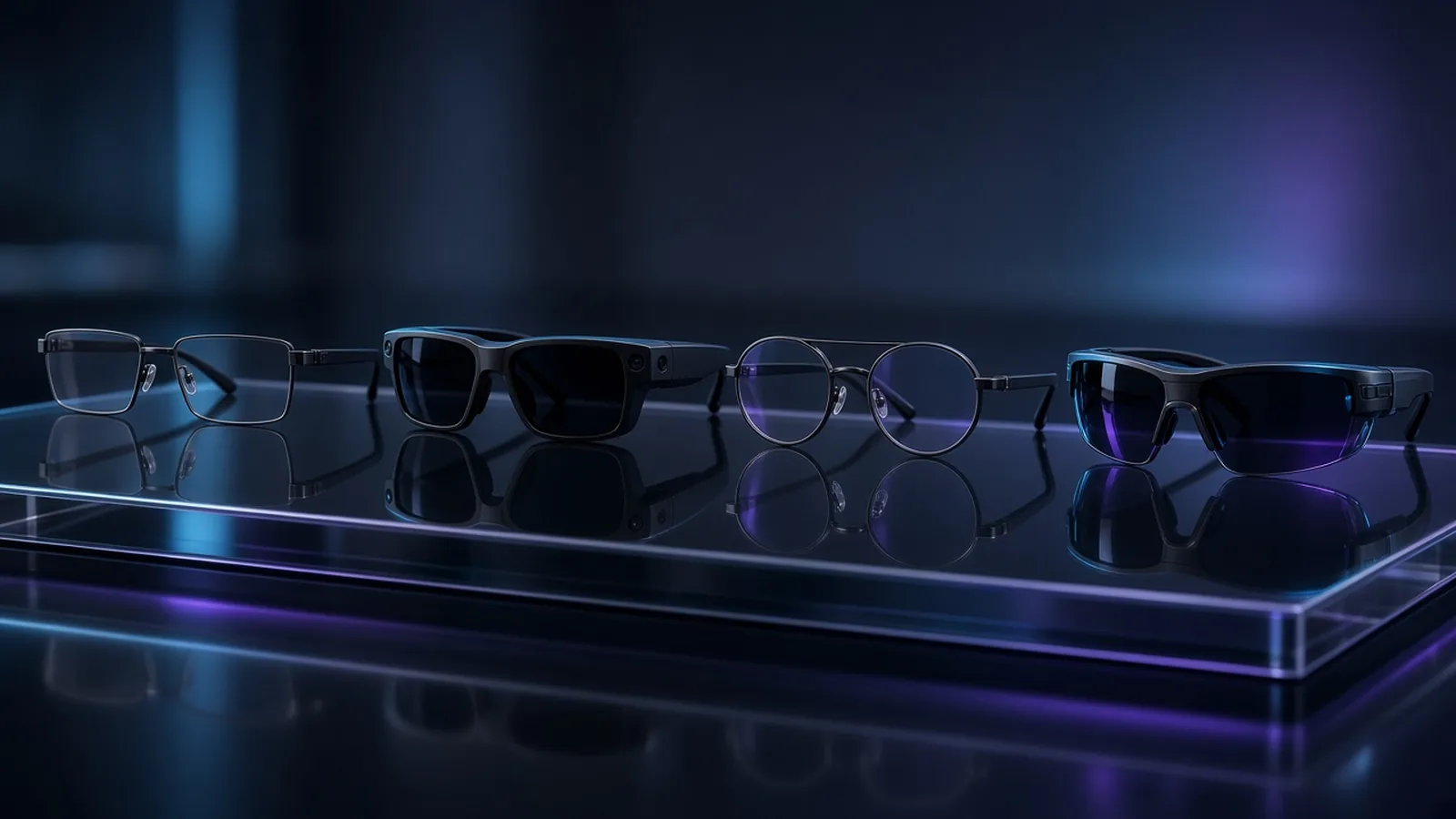
The smart glasses market splits in two, and picking the right half is the whole decision. One half is camera-first AI glasses you wear all day — a microphone, a speaker and an assistant, no screen. The other is display-first AR glasses that put a virtual monitor in front of your eyes and run off anything with a USB-C video output.
These are the six in this category with a live Amazon listing we link to, picked on published specs, professional reviews and owner reports. If a model has no listing you can actually order, it is not on this list.
Quick Verdict
| Glasses | Best For |
|---|---|
| Ray-Ban Meta Gen 2 | Everyday AI glasses — camera, audio, assistant |
| VITURE Luma Pro | Best overall display for text |
| RayNeo Air 3s Pro | Best value display |
| VITURE Luma Ultra | Brightest panel, floating windows |
| VITURE Beast | Biggest screen, daylight work |
| INAIR 2 Pro Go Pack | Wireless multi-screen PC setup |
1. Ray-Ban Meta Gen 2 — Best Everyday AI Glasses
The only pair here you keep on from coffee to dinner. It is a camera, a speaker and an assistant in a Wayfarer frame: no screen, no virtual monitor, nothing to tether. You ask Meta AI a question, you get the answer through the open-ear speakers without touching your phone.
Pros: the design reads as ordinary glasses, the 12MP camera shoots video good enough for social, the audio is clear for calls and music, and the price is the lowest here.
Cons: no display at all, and the AI feature set is strongest on Android — iOS users get a reduced version.
Ray-Ban Meta Gen 2Check price on Amazon
Full write-up in our Ray-Ban Meta Gen 2 review.
2. VITURE Luma Pro — Best Display For Text Work
If the job is spreadsheets, code, documents or a terminal, pixel density is the spec that matters, not diagonal size. The Luma Pro puts a 1200p Micro-OLED panel at 120 Hz in a frame driven by a single USB-C cable, so a laptop with DisplayPort alt-mode needs no dock and no battery pack.
Pros: 1200p at 152 inches keeps small fonts readable, 1,000 nits, 120 Hz, a 52-degree field of view with little edge distortion, and myopia adjustment down to -4.0 dioptres, so mild short-sightedness means wearing no glasses at all.
Cons: it needs a DisplayPort alt-mode port, the open-ear speakers leak in a quiet office, and the cable is a trip hazard on a plane tray table.
VITURE Luma ProCheck price on Amazon
3. RayNeo Air 3s Pro — Best Value Display
It gives you the two numbers that matter — 1200p and 1200 nits — for less than the VITURE pairs, and it is the brightest panel per dollar on this list. The virtual screen goes up to 201 inches at 120 Hz, and it behaves as a plain USB-C DisplayPort monitor: plug it into a phone, a laptop or a Steam Deck and the operating system sees a display.
Pros: no battery pack, no app to install, consistently positive owner feedback, and usually the cheapest pair here with a screen.
Cons: no myopia adjustment, so you wear your glasses; no lens dimming for daylight privacy; the audio is built-in only.
RayNeo Air 3s ProCheck price on Amazon
4. VITURE Luma Ultra — Best For Bright Rooms And Pinned Windows
The Luma Ultra is the Luma Pro with the two upgrades a working day actually uses: a 1,500-nit panel, which is the level that survives a seat next to a cabin window at noon, and 6DoF, so a virtual screen stays anchored in space when you turn your head. It keeps the 1200p panel and the -4.0 dioptre myopia adjustment, and adds electrochromic lens dimming — the feature that makes a shared desk work, because the lens goes dark so nobody reads your screen.
VITURE Luma UltraCheck price on Amazon
5. VITURE Beast — Best For The Biggest Screen And Daylight
If your work is wide — a timeline, a wall of columns, a full-page PDF — the Beast is the widest frame here, with a 174-inch screen at a 58-degree field of view and 1,250 nits. It has nine levels of electrochromic dimming, more than any other pair on this list, so you can dial the lens down and keep contrast outdoors. The HARMAN-tuned AudioEFX speakers are the reason it is the one pair here you can take a meeting on without earbuds.
VITURE BeastCheck price on Amazon
6. INAIR 2 Pro Go Pack — Best Wireless PC Multi-Screen Kit
The only kit here that takes the cable out of the setup. The glasses stream from your PC over the network and you get up to six virtual screens arranged around you — no DisplayPort port, no dongle, no cable on the desk. The Go Pack adds an AI Pod and a foldable keyboard in the box, and for a laptop whose USB-C ports are all busy, or a desktop with no video output, it is the only way to get a wireless AR display.
Be clear about the traction: it is a niche kit with very few owner reviews so far, not a proven mass-market pick, and wireless streaming adds visible latency on a cursor.
INAIR 2 Pro Go PackCheck price on Amazon
Which Smart Glasses Should You Get?
- Everyday wear, no screen: the Ray-Ban Meta Gen 2.
- Text work — code, spreadsheets, documents: the VITURE Luma Pro, for 1200p at 120 Hz and -4.0 D adjustment.
- Cheapest display worth buying: the RayNeo Air 3s Pro.
- Bright rooms and pinned windows: the VITURE Luma Ultra.
- Wide layouts and daylight: the VITURE Beast.
- No spare video port: the INAIR 2 Pro Go Pack, accepting the small review base.
Three checks before you buy any of them. Confirm your laptop's USB-C port carries DisplayPort alt-mode — a data-only port will not drive a wired pair. Check the audio, because open-ear speakers are audible to whoever sits next to you. And if you wear prescription glasses, pick a frame with myopia adjustment, or read our prescription lens guide for the headset route.
For the work-desk end of this category see our best AR glasses for work guide, and for the headset version of a private cinema screen see the best headsets for movies.